
AI Photo Editor — Edit Any Photo with AI
Upload a photo and let AI handle retouching, background swaps, color grading, and object removal. Professional edits in seconds, not hours. Powered by GPT Image 2.
GPT Image 2
High-fidelity GPT Image 2 generation and editing via KIE.
0/16 + Add image
Ready to create
Upload a photo or write a detailed prompt to watch AI bring your idea to life.
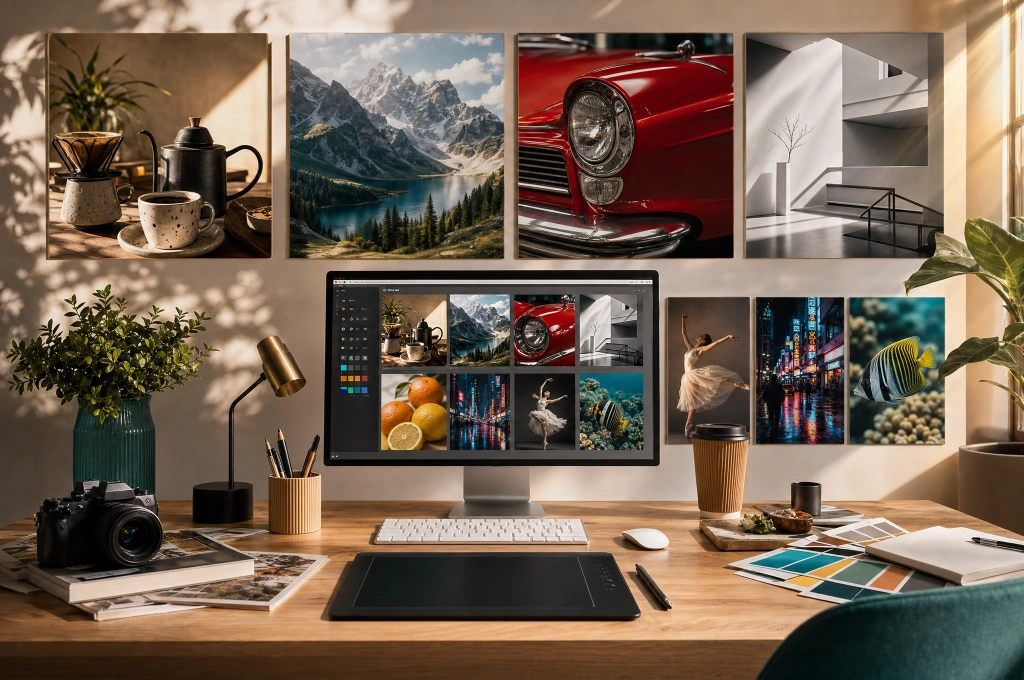
Photo editing that understands your intent
Image2 works best when you need more than a single output. Start from a text prompt or upload a source photo, then refine composition, styling, backgrounds, text placement, or subject consistency without rebuilding from scratch.
Text prompts and source images together
Use text-to-image for fresh concepts, image-to-image for targeted revisions, or combine both for tighter creative control.
Refine the same idea across versions
Change background, styling, composition, or text placement without rebuilding the entire concept from scratch.
Capabilities
Everything you need to edit photos with AI
From product photography to character design, the AI image generator handles text rendering, consistent styling, and production-ready outputs.
Product & ecommerce photography
Generate hero shots, lifestyle scenes, and campaign visuals for product listings. Control lighting, background, and composition through detailed prompts.
- Product hero shots on custom backgrounds
- Lifestyle scenes with natural lighting
- Campaign-ready visuals for listings
- Consistent styling across product lines
Posters, ads, and marketing visuals
Create poster designs, ad creatives, and social media visuals with readable text, proper layout, and brand-consistent styling.
- Readable headlines and copy in images
- Poster layouts for events and campaigns
- Social media ad creatives
- Brand-consistent marketing materials
Illustrations and concept art
Generate artwork, illustrations, and concept visuals in any style. From photorealistic to flat design, watercolor to pixel art.
- Photorealistic renders
- Flat design illustrations
- Watercolor and traditional styles
- Concept art for games and media
Photo editing and image refinement
Upload a photo and use AI to restyle, clean up, extend, swap backgrounds, or refine specific elements while keeping the original intent.
- Background removal and replacement
- Object cleanup and scene extension
- Style transfer and restyling
- Lighting and color correction
How to use the AI image generator
Describe or upload
Write a detailed text prompt describing what you want, or upload an existing photo for AI-powered editing and refinement.
Choose your settings
Select the output resolution, aspect ratio, and generation mode that match your project needs.
Generate and compare
Create multiple variants from the same prompt. Compare outputs and pick the best direction for your project.
Refine and export
Iterate on your chosen image. Export the final asset for web, print, or social.
What creators say
Image2 cut my concept mockup time from hours to minutes. The text rendering actually stays readable.
Sarah K.
Freelance Designer
We create ad creatives, social posts, and campaign visuals all in one place. The GPT Image 2 integration is seriously impressive.
Alex R.
Marketing Lead
We use Image2 for product hero shots now. The consistency across our product line saved us thousands in photography costs.
James L.
Ecommerce Manager
FAQ
AI Photo Editor FAQ
What is Image2?
Image2 is an AI-powered platform for generating and editing images. It supports text-to-image generation from detailed prompts and image-to-image editing from uploaded photos, powered by GPT Image 2.
Is it free to use?
Yes, Image2 offers free credits when you sign up so you can try the generator immediately. Additional credits are available through flexible plans.
What types of images can I generate?
You can generate product photography, marketing visuals, posters with readable text, character designs, illustrations, concept art, social media content, and more.
Can I use generated images commercially?
Yes, images generated with Image2 can be used for commercial purposes including marketing, ecommerce, advertising, and content creation.
Can I edit an existing photo with AI?
Yes, switch to image-to-image mode, upload your photo, and describe the changes you want.
What is GPT Image 2?
GPT Image 2 is the AI model powering Image2's image generation. It provides advanced text rendering, visual consistency, and high-quality outputs.
Start generating images now
Try the generator above, use your free credits to create product shots, artwork, and marketing visuals.