
GPT Image 2 creative workspace
Image 2 AI Image Generator
Create AI images from text prompts or edit existing photos with Image 2. Generate product shots, ad creatives, posters, characters, and branded visuals — all in one workspace.
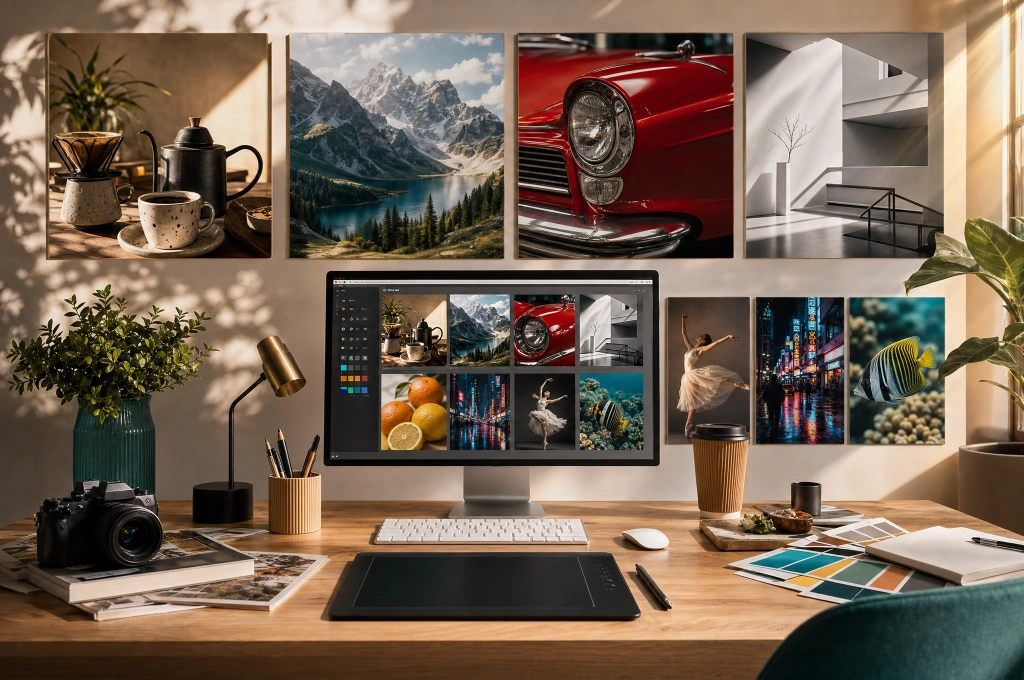
What Image 2 is built for
Image 2 works best when you need more than a one-shot image. Start from a text prompt or upload a source photo, then refine composition, styling, backgrounds, text placement, or subject consistency — without rebuilding from scratch.
Text prompts and source images together
Use text-to-image for fresh ideas, image-to-image for revisions, or combine both for tighter control.
Refine the same idea across versions
Change background, styling, composition, or text placement without rebuilding the entire concept.
Feature Highlights
Core Image 2 capabilities
Text-to-image generation, photo editing, readable text in images, and consistent outputs — the core strengths that make Image 2 useful for real creative and production work.
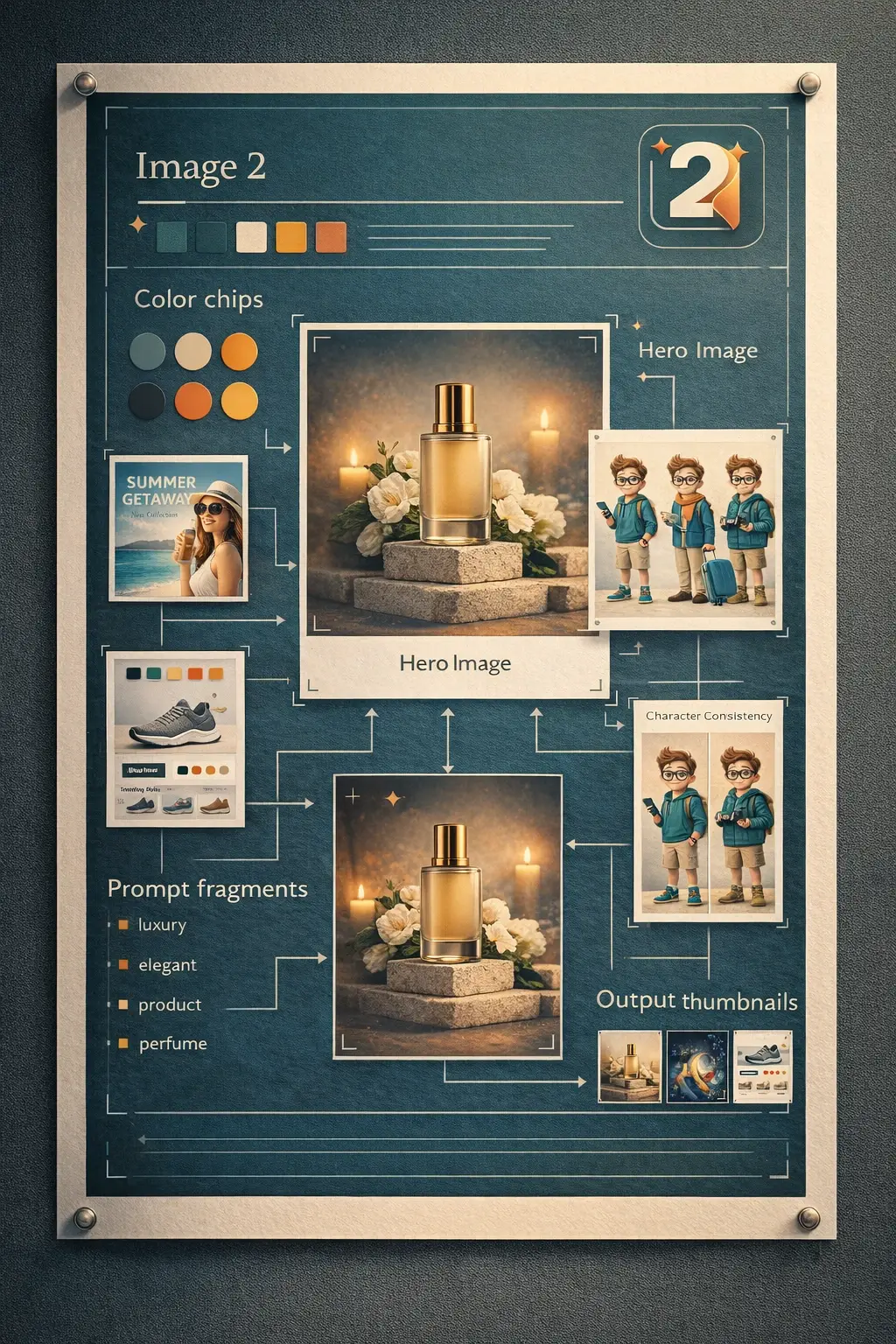
Text-to-image generation from detailed prompts
Turn plain-language prompts into product renders, ad creatives, posters, and concept visuals with better control over layout and intent.
- Good for subject, lighting, camera, text, and composition requirements in one prompt
- Useful for product marketing, poster design, thumbnails, and campaign concepts
- Lets you iterate on the same idea instead of starting over each time
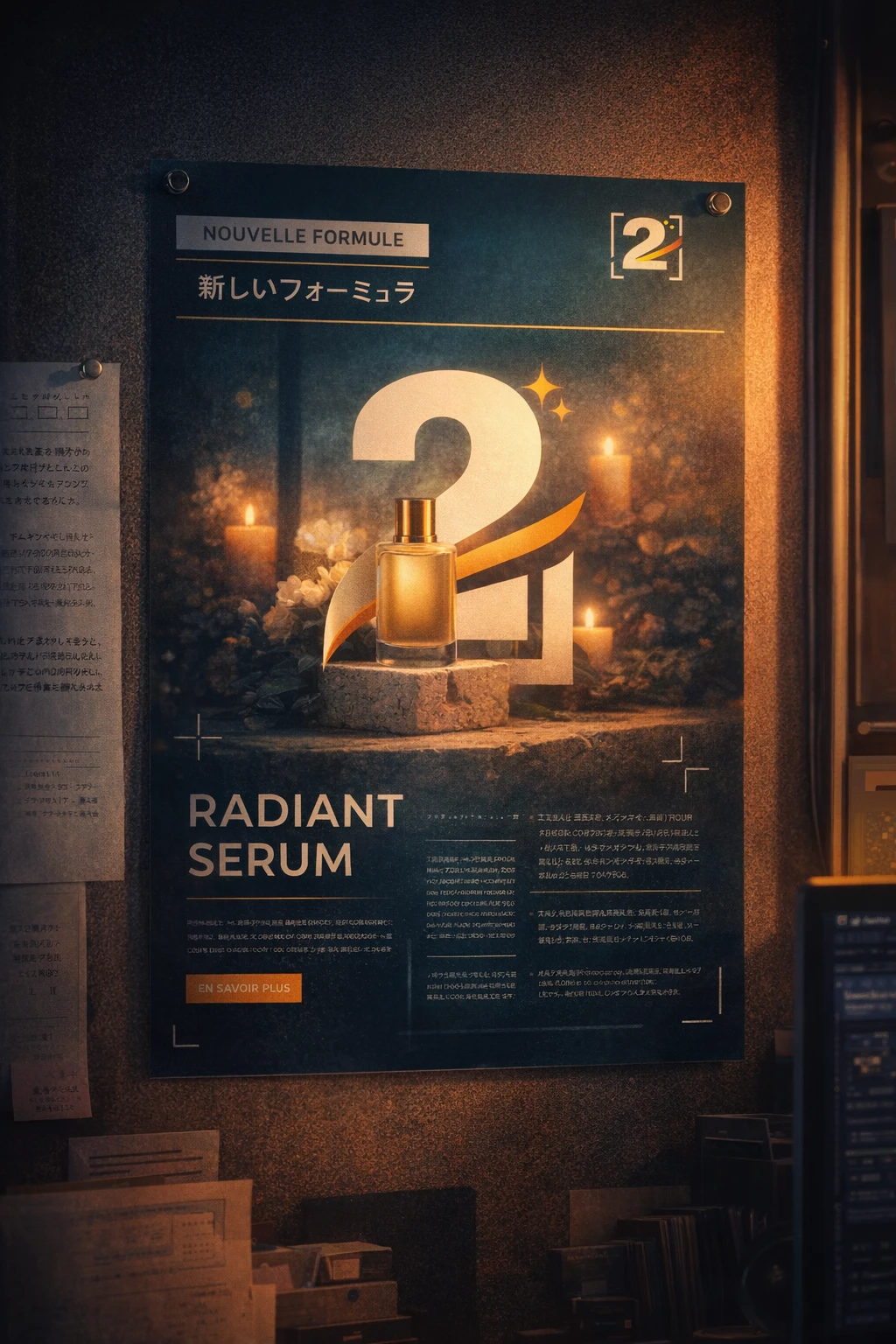
Readable text for posters, ads, and UI mockups
Generate marketing or interface visuals where headlines, labels, and supporting copy stay more reviewable.
- Helpful for poster headlines, packaging labels, UI blocks, and promo copy
- Reduces redraw work when a team is reviewing layout and wording
- Supports multilingual draft visuals before final production design
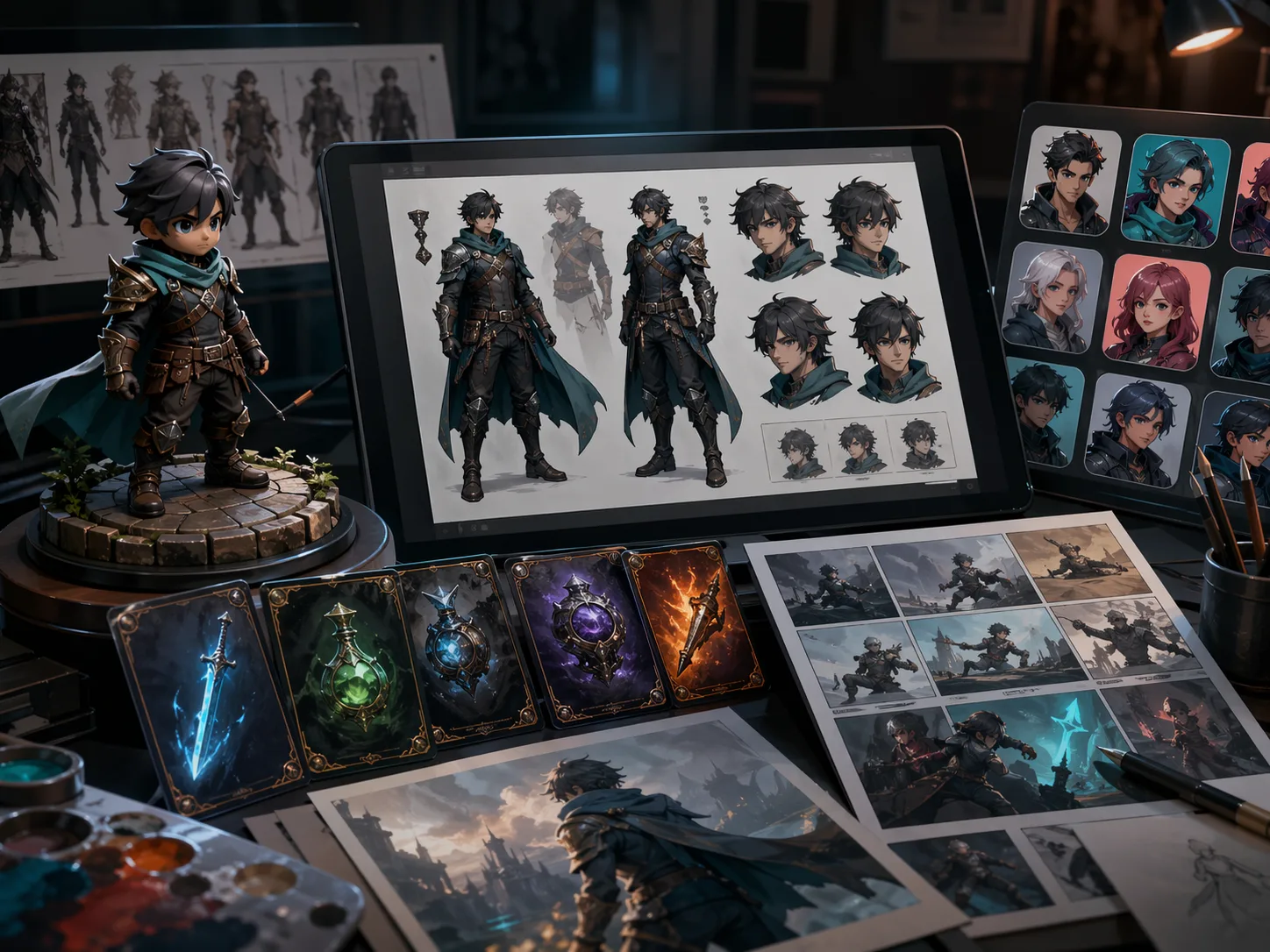
Consistent products, characters, and brand visuals
Keep visual identity more stable across campaigns, colorways, scenes, and recurring assets.
- Useful for product families, mascots, characters, and repeat campaign formats
- Keeps recognizable details more stable across variations and edits
- Works well for ecommerce sets, branded series, and content libraries
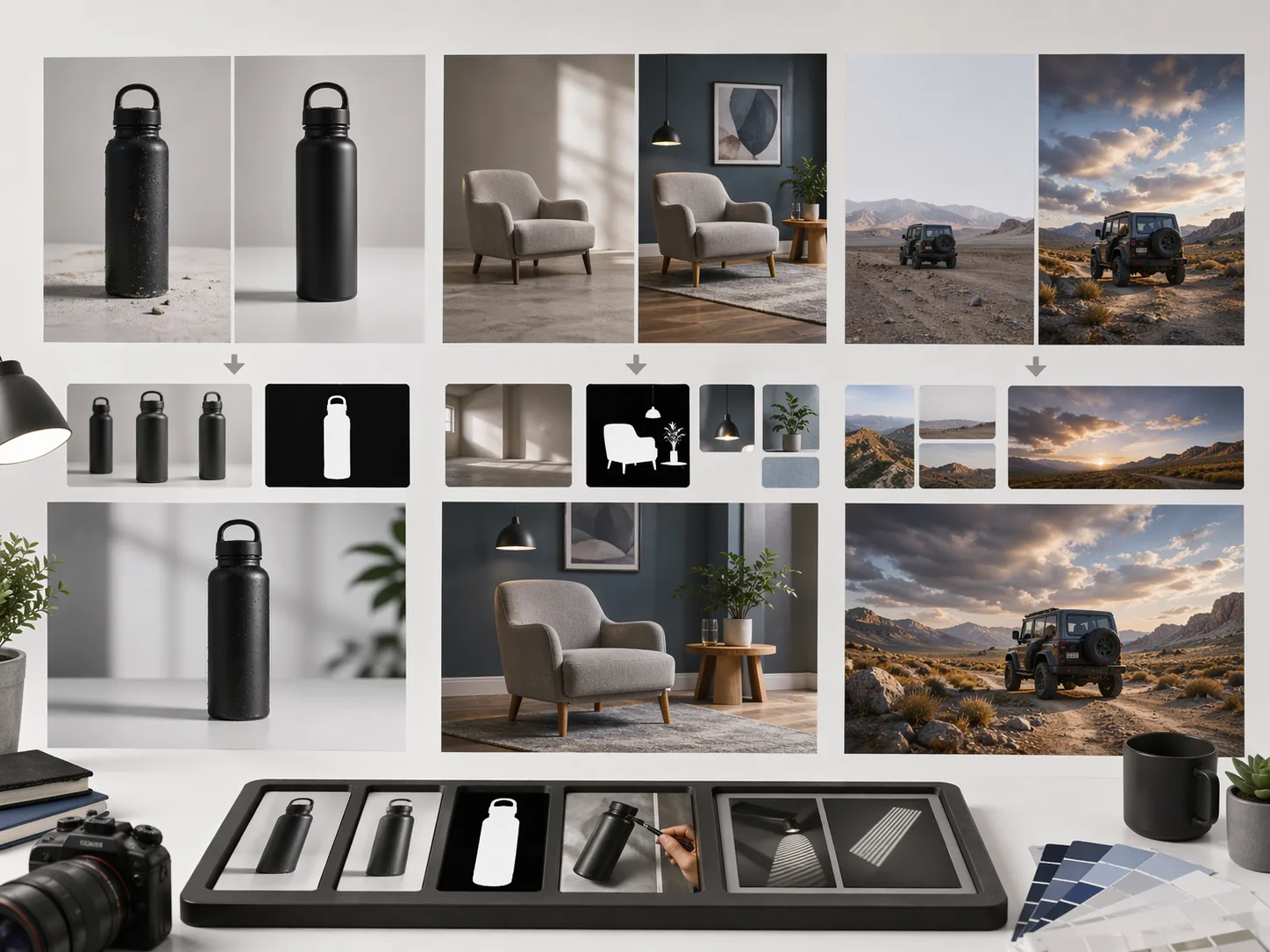
Image editing from rough source to final asset
Upload a photo or draft and use Image 2 to restyle, clean up, extend, or refine the final output.
- Useful for background changes, product cleanup, object swaps, and style updates
- Keeps lighting and scene logic more believable during revisions
- Moves from rough source image to launch-ready creative more quickly
Workflow
How to use Image 2
The best prompts describe subject, style, composition, text requirements, and intended output. Here's the standard workflow.
Upload or start from text
Drop product photos, portraits, or sketches—or start blank for text-to-image runs.
Describe your change clearly
"Create a premium skincare product image on soft stone, add botanical shadows, and leave space for a headline." Clear prompts usually work best.
Pick model & style
Choose the workflow, output size, and editing approach that match your channel and review stage.
Review, tweak, save
Generate variants, refine specific issues, and export the right asset for web, ads, decks, or social.
Choose Your Image 2 Plan
Flexible credit packs or subscriptions for AI image generation, photo editing, and commercial creative workflows on Image-2.
Basic
Perfect for individuals and light users
Includes
- 1800 credits per year
- 50+ high-quality images/month
- All style templates included
- Priority generation queue
- Basic customer support
- Early roll-out of new features
Start now — cancel anytime.
Pro
For professional creators and teams
Includes
- 9600 credits per year
- 250+ high-quality images/month
- All style templates included
- Priority generation queue
- Priority customer support
- Early roll-out of new features
Start now — cancel anytime.
Max
Heavier usage with best value.
Includes
- 55200 credits per year
- 1500+ high-quality images/month
- All style templates included
- Priority generation queue
- Priority customer support
- Early roll-out of new features
Start now — cancel anytime.
image-2 reviews
image-2 Reviews From Creative Teams
How designers, marketers, product teams, and studios use image-2 for AI image generation, image editing, campaign variants, product visuals, and brand-consistent creative workflows.
"image-2 saved my Saturday. I had to make three ad sizes for a tiny skincare launch, and it gave me a solid first version before my coffee got cold."

Maya Bennett
Freelance Designer
"I use Image 2 when supplier photos show up messy. I still clean it up a bit in Photoshop, but the product page no longer has to wait a week."

Ethan Brooks
Runs a small home goods shop
"My client finally understood the landing page idea after I mocked the hero image in image2. The copy changed later, but the visual direction clicked."

Nora Patel
Solo marketing consultant
"GPT Image 2 inside image-2 is useful when I need quick ad concepts. I don't use it for everything, but for first-round options it saves a lot of back and forth."

Lucas Meyer
Paid ads manager
"I tried image2 for a packaging moodboard and ended up using half the outputs in the client deck. Not final art, but good enough to make decisions faster."

Amara Okafor
Brand designer
"Image 2 is the tool I give new interns when they need rough visuals. The prompts can be plain English, so I spend less time explaining the software."

Ryan Coleman
Small studio producer
"The edit mode in GPT Image 2 surprised me. I changed a boring gray background into a warmer scene and the product still looked like the same product."

Hana Sato
Art director
"For weekly promo emails, image-2 helps me make something decent fast. I usually tweak the final crop, but it gets me past the blank canvas problem."

Noah Sterling
Email marketer
"We call it image 2 in our Slack now. Someone drops a rough idea, I make three visuals, and the team picks a direction before the meeting gets too long."

Elena Marino
Social media designer
"image-2 saved my Saturday. I had to make three ad sizes for a tiny skincare launch, and it gave me a solid first version before my coffee got cold."
Maya Bennett
Freelance Designer
"I use Image 2 when supplier photos show up messy. I still clean it up a bit in Photoshop, but the product page no longer has to wait a week."
Ethan Brooks
Runs a small home goods shop
"My client finally understood the landing page idea after I mocked the hero image in image2. The copy changed later, but the visual direction clicked."
Nora Patel
Solo marketing consultant
"GPT Image 2 inside image-2 is useful when I need quick ad concepts. I don't use it for everything, but for first-round options it saves a lot of back and forth."
Lucas Meyer
Paid ads manager
"I tried image2 for a packaging moodboard and ended up using half the outputs in the client deck. Not final art, but good enough to make decisions faster."
Amara Okafor
Brand designer
"Image 2 is the tool I give new interns when they need rough visuals. The prompts can be plain English, so I spend less time explaining the software."
Ryan Coleman
Small studio producer
"The edit mode in GPT Image 2 surprised me. I changed a boring gray background into a warmer scene and the product still looked like the same product."
Hana Sato
Art director
"For weekly promo emails, image-2 helps me make something decent fast. I usually tweak the final crop, but it gets me past the blank canvas problem."
Noah Sterling
Email marketer
"We call it image 2 in our Slack now. Someone drops a rough idea, I make three visuals, and the team picks a direction before the meeting gets too long."
Elena Marino
Social media designer
Answers
Image 2 AI Image Generator — FAQ
Common questions about using Image 2 for AI image generation, photo editing, and creative production workflows.
What is Image 2?
Image 2 (image-2.com) is an AI image generator and editor that supports multiple AI models including GPT Image 2. Use it to create product shots, ad creatives, posters, and branded visuals from text prompts, or edit and transform existing photos.
What can I create with Image 2?
Product images, advertising creatives, posters, social media graphics, character concepts, packaging mockups, brand campaign visuals, UI mockups, and explainer illustrations. Both text-to-image and image editing workflows are supported.
Does Image 2 offer a free trial?
Yes. New users receive trial credits on sign-up at no charge. No credit card required to get started. Paid plans unlock higher credit volumes, priority generation, and commercial use licensing.
How does Image 2 compare to other AI image generators?
Image 2 combines text-to-image generation and full photo editing in one session. It supports readable text inside visuals, consistent character identity across outputs, and multi-step refinement — features that most standalone generators handle separately.
Do I need prompt-engineering skills?
No. Clear, descriptive prompts work well. The most effective prompts explain the subject, style, composition, any text that should appear in the image, and the intended use. No technical knowledge required.
Can Image 2 handle both text-to-image and image editing?
Yes. You can generate an image from a text prompt, then clean it up, restyle it, swap backgrounds, or refine details — all within the same session without switching tools.
What image resolutions and aspect ratios are supported?
Image 2 supports multiple aspect ratios including 1:1, 3:2, 4:3, 9:16, and 16:9, plus 1K, 2K, and 4K-ready export settings depending on the workflow and credit usage.
Can I use Image 2 for commercial projects?
Yes. All paid plans include a commercial use license, so you can use generated images for ads, product pages, marketing campaigns, and client work.
Create AI Images with Image 2
Start with a text prompt or upload a source photo and see how quickly Image 2 generates or refines a production-ready visual.